Buy and use a season or weekly pass
One QR code gets you into every game in the season, or every game in one week. Buy one pass per person.
- Open the passes page from the organizer’s link, or tap Season pass or Weekly pass under Coming to more games? on one of the games.
- If both are sold, choose Season pass or Weekly pass at the top. For a weekly pass, pick the week.
- Choose how many of each pass type you need, for example 2 Adult and 1 Child, all in one checkout. Each pass gets one person in, so buy one per person.
- Enter the Email for your passes and tap Checkout. Pay on the secure Square or Stripe page.
- Your passes arrive by email right away, with a link to your pass page.
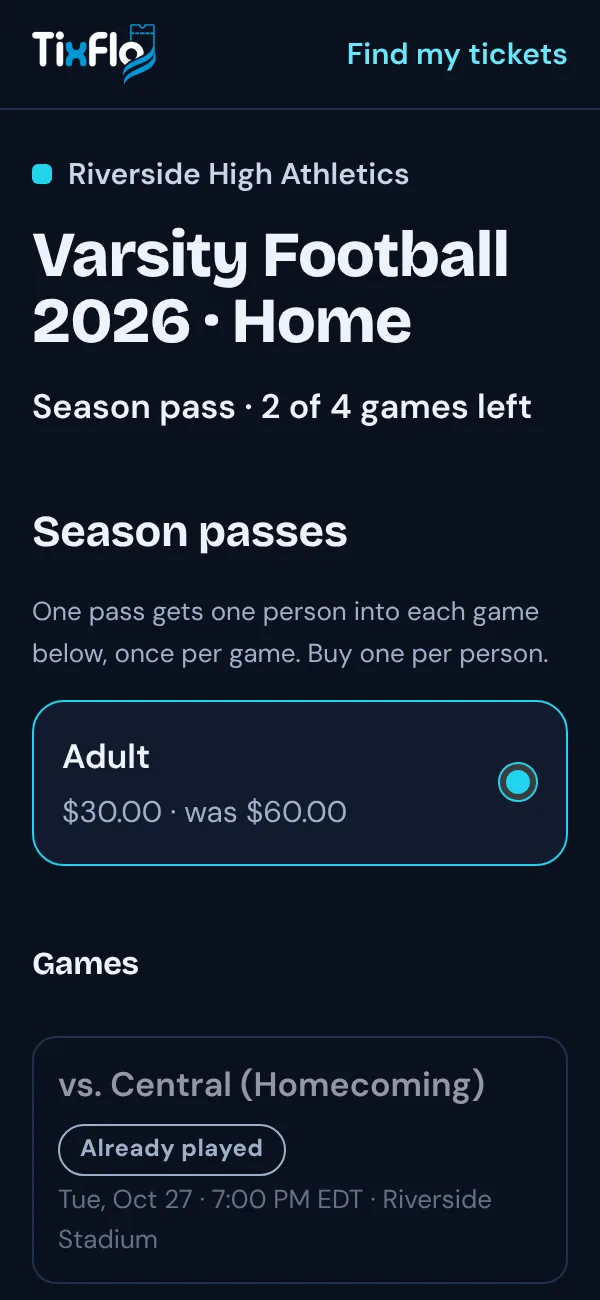
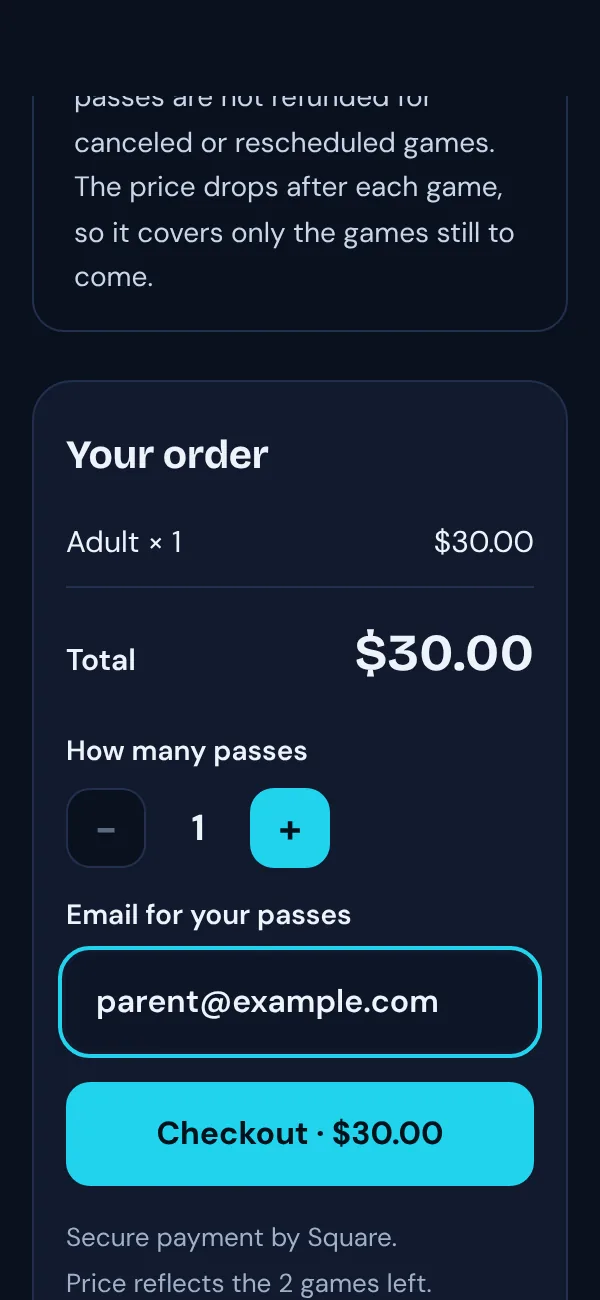
Price
A season pass gets cheaper after each game, so you only pay for the games still to come. Games that have already been played or started, and canceled games, are tagged and aren’t included.
A weekly pass covers one week, Monday to Sunday: that week’s games that haven’t started yet. Its price is shown for each week.
At the gate
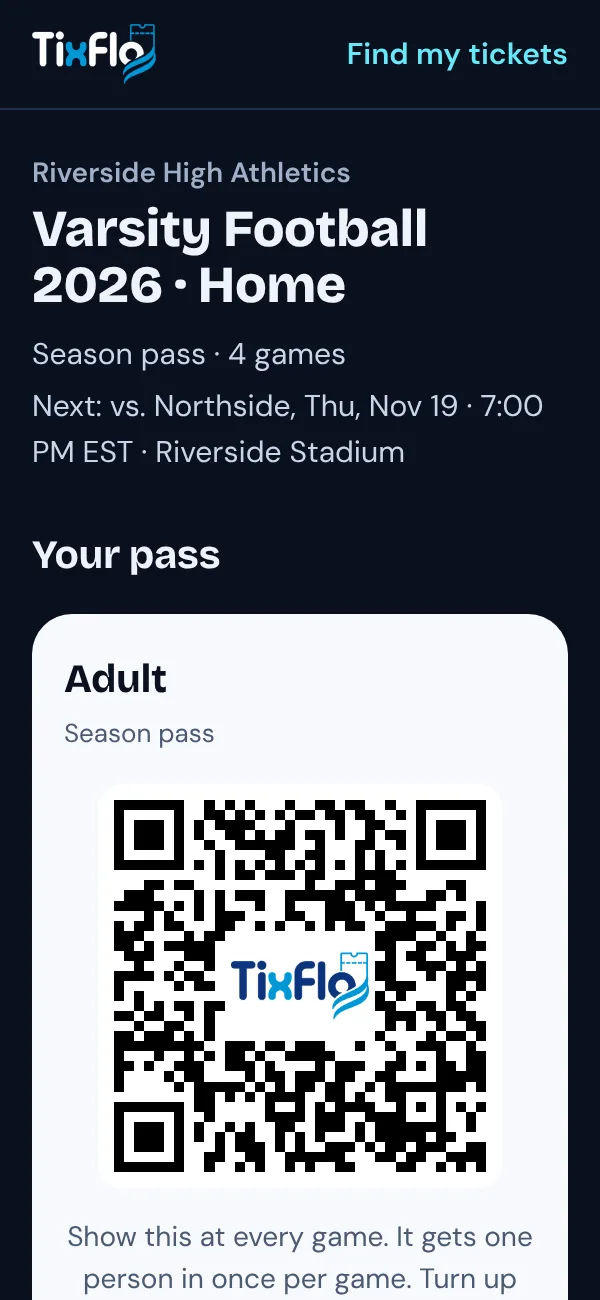
- Show the same QR code at every game it covers. Turn up your screen brightness. A weekly pass only works at games in its week.
- Each pass works once per game. Bought several? Each person shows their own pass, or show them one after another.
- Your pass page shows which games your pass covers and which games it’s been used at.
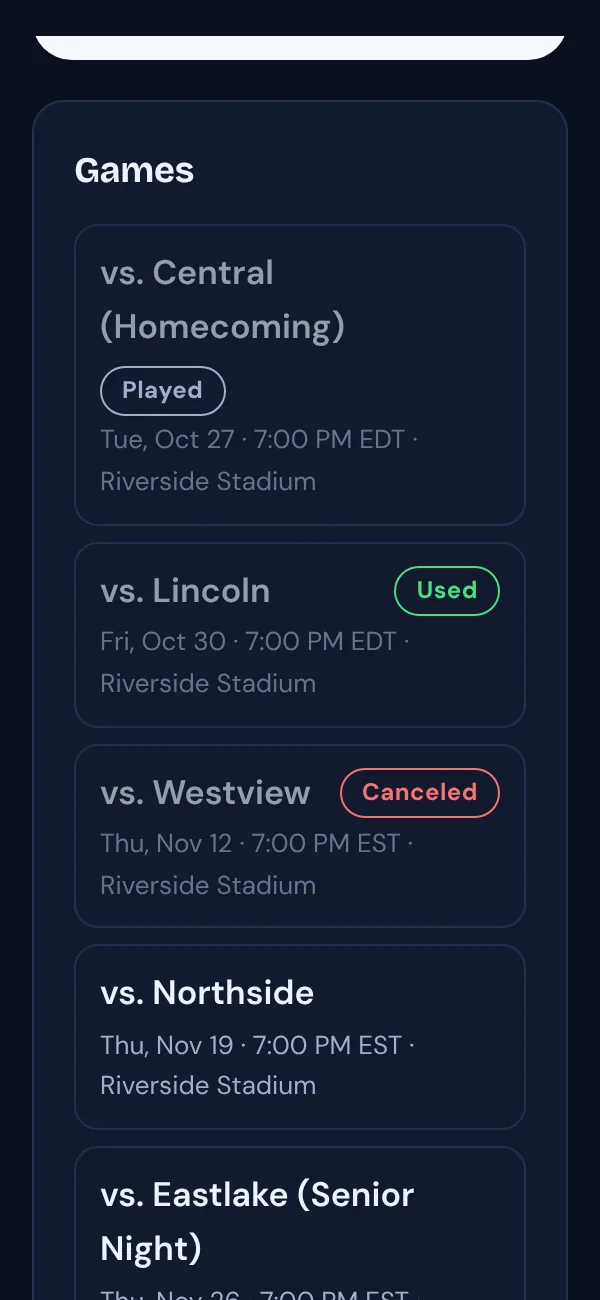
Good to know: Games may change. Passes aren’t refunded for canceled or rescheduled games. Lost the email? Use Find my tickets.